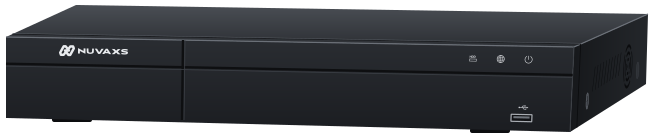

NUVAXS

Features

Everything NUVAXS does, from setup and playback to sharing access.

Setup

QR code setup

Scan the QR code on the case or the start-up screen with the app; language, time zone and time are set in one go. No monitor needed.

  • Binding QR codes on the start-up screen, the case, the board and the system settings page
  • Language, time zone and time fill themselves in
  • Setup works without a monitor

No static IP

P2P and relay connect automatically. No router settings.

  • P2P and relay connect automatically
  • No static IP and no port forwarding on the router
  • The network needs DHCP

Over-the-air updates

Firmware updates arrive online, with fixes and new features, without a site visit.

  • The app tells you when new firmware is out
  • It reminds you to keep the power on while updating

Finding footage

Find it in seconds

A timeline with thumbnails; each event type has its own colour. The app fast-forwards and rewinds at 4× to 32×.

  • A snapshot shows the moment you drag the timeline, to the second
  • Each event type has its own colour
  • The app fast-forwards and rewinds at 4× to 32×

AI on the recorder, for any camera

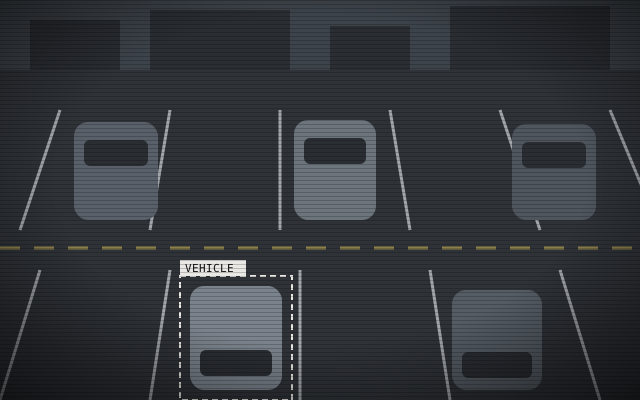
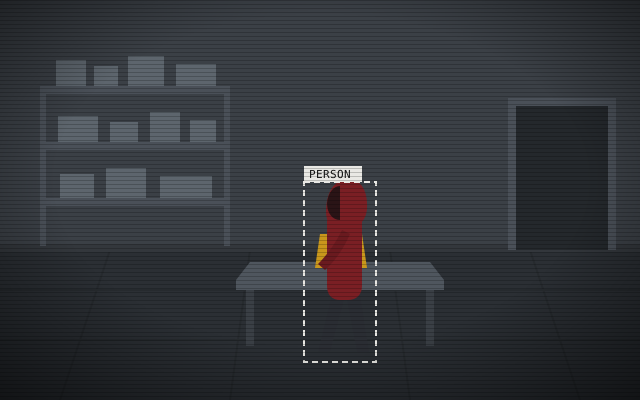
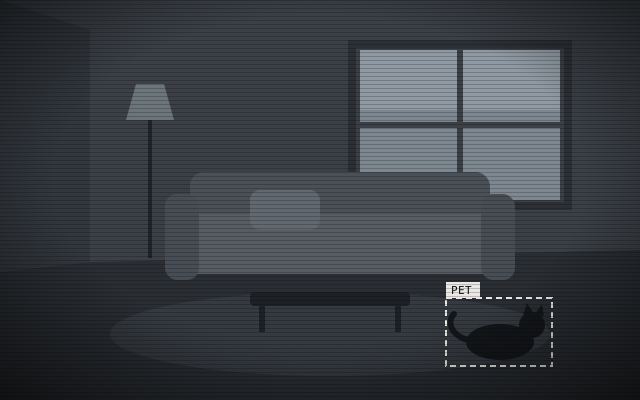
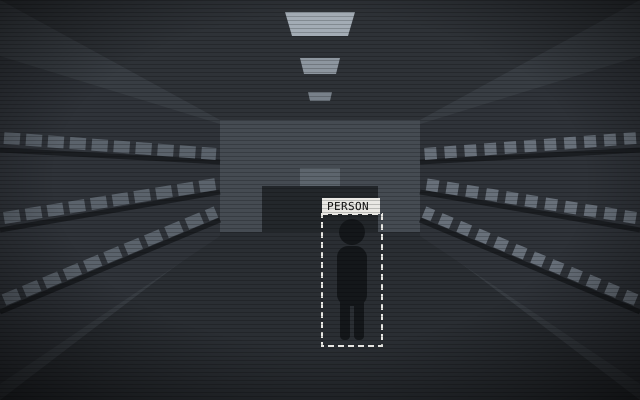
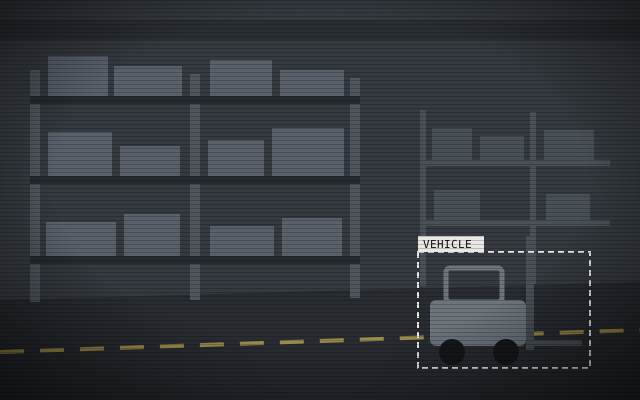
AI video analysis runs on the recorder and detects people, vehicles and pets, so ONVIF cameras of any brand can use it.

  • Face, person, car, motorcycle, bicycle, pet and motion detection
  • Choose per event type whether it starts recording
  • Sensitivity per AI type, from low to high
  • Analysis runs on the recorder

Flexible downloads

Download clips in the mobile app, generate a QR code for a clip, or back up to a USB drive.

  • Pick a start time and length in the app and download to your phone
  • Download an event clip in one tap
  • The recorder shows a QR code to download on a phone; the link is valid for 1 day
  • Back up 30 seconds to 60 minutes to USB

Sharing and security

Share access, not passwords

Share codes are limited by uses and expiry and can be voided when not needed; members can be removed at any time. Connections are encrypted.

  • Each channel decides live view, playback and download on its own
  • Share codes last from 10 minutes to forever, with an optional use limit
  • Revoke unused codes any time, and remove members when staff change
  • Encrypted connections

No new account

Sign in with Apple, Google or LINE. One less password to remember.

  • Sign in with Apple, Google or LINE
  • Email or phone sign-up also works

Two ports, isolated cameras

The recorder has two network ports: WAN to the internet, LAN to the cameras. The cameras are never exposed to the internet, and their video uses no internet bandwidth.

  • Two ports: WAN (10/100 Mbps) to the internet, LAN (10/100/1000 Mbps) to the cameras
  • Camera traffic always goes through the recorder
  • The cameras cannot be reached directly from outside
  • Video stays on the local network, using no internet bandwidth

Anywhere

Mobile app

Live view, playback, downloads and sharing on iOS and Android.

  • Live, Playback and Events tabs
  • One account for several recorders
  • Turn the phone for full screen, up to a 16-way split
  • Push or email alerts when a camera disconnects, a drive fails or the power drops
  • In English, 繁體中文, 简体中文, 日本語, Bahasa Indonesia, Tiếng Việt and Italiano
  • iOS and Android

Video wall

Put cameras from different recorders on one screen, with your own name and cover.

  • Pick cameras across recorders
  • Your own name and cover image
  • Turn the phone sideways to watch 16 channels at once

PTZ control

Pan, tilt and zoom PTZ cameras from the app, and jump to a preset in one tap.

  • Direction pad and zoom
  • Presets 1 to 6
  • Cameras without PTZ say so

Watch in your browser

Sign in on the web for live view, playback and downloads in Chrome, Edge, Safari, Firefox and other major browsers. Nothing to install.

  • Web app: my.nuvaxs.com
  • Live view up to a 16-way split; playback of up to 4 channels at once
  • Recorder CPU, temperature and network traffic at a glance
  • Chrome, Edge, Safari and Firefox

Two-way audio

Talk to the site and hear back through the app, wherever you have a connection.

  • Needs a camera with ONVIF two-way audio; compatibility varies by model
  • MIC IN and AUDIO OUT on the back of the recorder

Hardware

Designed and made in Taiwan

The recorder is designed and made in Taiwan, on a Taiwanese chip.

  • Taiwan-made high-performance processor
  • System: Embedded Linux

ONVIF compatible

Any ONVIF camera works, whatever the brand, so existing cameras connect directly.

  • Finds cameras on the network, or add them by hand over RTSP / ONVIF
  • Per channel: always, event, schedule or no recording
  • Cameras need ONVIF and DHCP turned on

RS485 device control

The rear panel has RS485 and alarm terminals for outside devices, such as controlling a roller shutter.

  • One RS485 port
  • Four alarm inputs and one output (NO / NC)
  • Connects outside devices such as roller shutters