

Easy to set up. Quick to find.
A network video recorder designed and made in Taiwan.
01 · QR code setup
Scan once, and setup is done
- 1Plug in power and network
- 2Scan the QR code
- 3Settings fill themselves in
- 4Add cameras from your phone


02 · Find it in seconds
Drag it, and it's there
↓ Scroll, then pause, to try fast playback search
14:06:00
A conventional NVR has to wait for video to come back after you pick a time, which makes finding the right clip slow.
03 · Sharing
Share access, revoke it anytime
- 1Choose permissions
- 2Create a share code
- 3They join
- 4Revoke anytime
No static IP
P2P and relay connect automatically. No router settings.
Over-the-air updates
Firmware updates arrive online, with fixes and new features, without a site visit.
AI on the recorder, for any camera
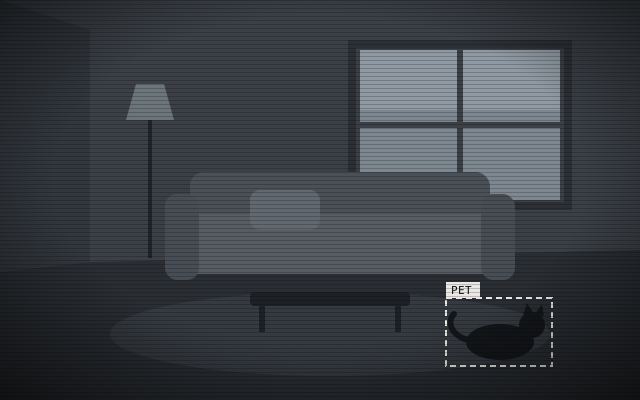
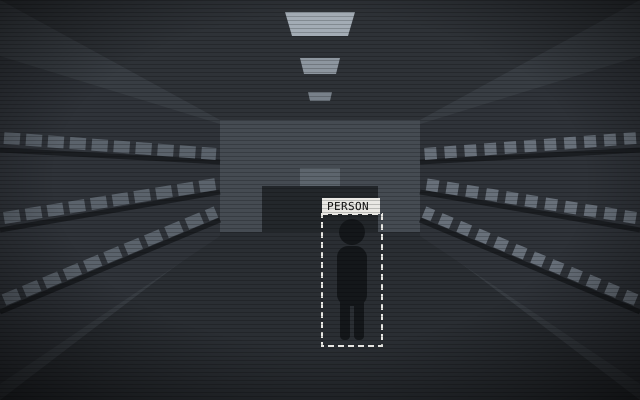
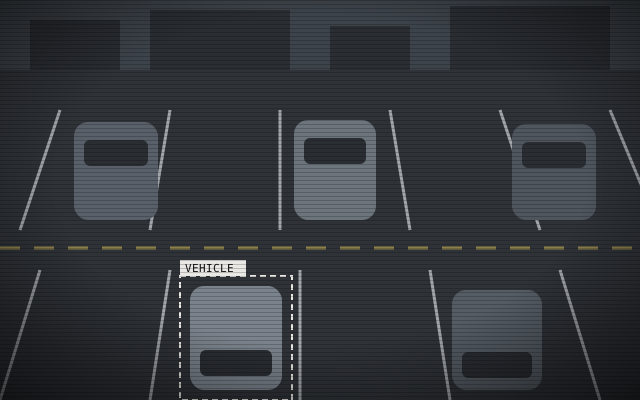
AI video analysis runs on the recorder and detects people, vehicles and pets, so ONVIF cameras of any brand can use it.
Flexible downloads
Download clips in the mobile app, generate a QR code for a clip, or back up to a USB drive.
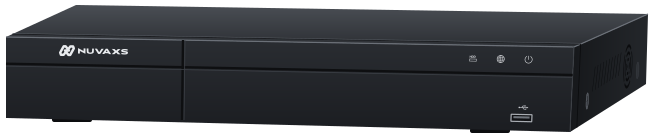
NVX161H20FT
16-channel network video recorder
- Processor
- Taiwan-made high-performance processor
- IP camera inputs
- 16 channels
- HDMI output
- HDMI × 1, 1080p / 4K
- Compression
- H.265 / H.264
- Recording resolution
- 8MP / 6MP / 5MP / 4MP / 3MP / 1080p / 720p
- Storage
- SATA × 2, up to 20 TB each (drives sold separately)
One app for every camera
For iOS and Android. On a computer, sign in on the web in Chrome, Edge, Safari or Firefox, with nothing to install. Wherever you have a connection, talk with the site through two-way audio.
Distribution, system integration and OEM
Researched and made in Taiwan, from standard products to custom projects.
- Requires DHCP on your network (on by default in most home and office routers). The NVR reaches the NUVAXS servers over P2P and relay, so no static IP or port forwarding is needed.
- Cameras must support ONVIF with DHCP enabled; enter each camera's own username and password when adding it.
- Forgot the password? Hold the recorder's reset button for 10 seconds to reset the password and network settings.